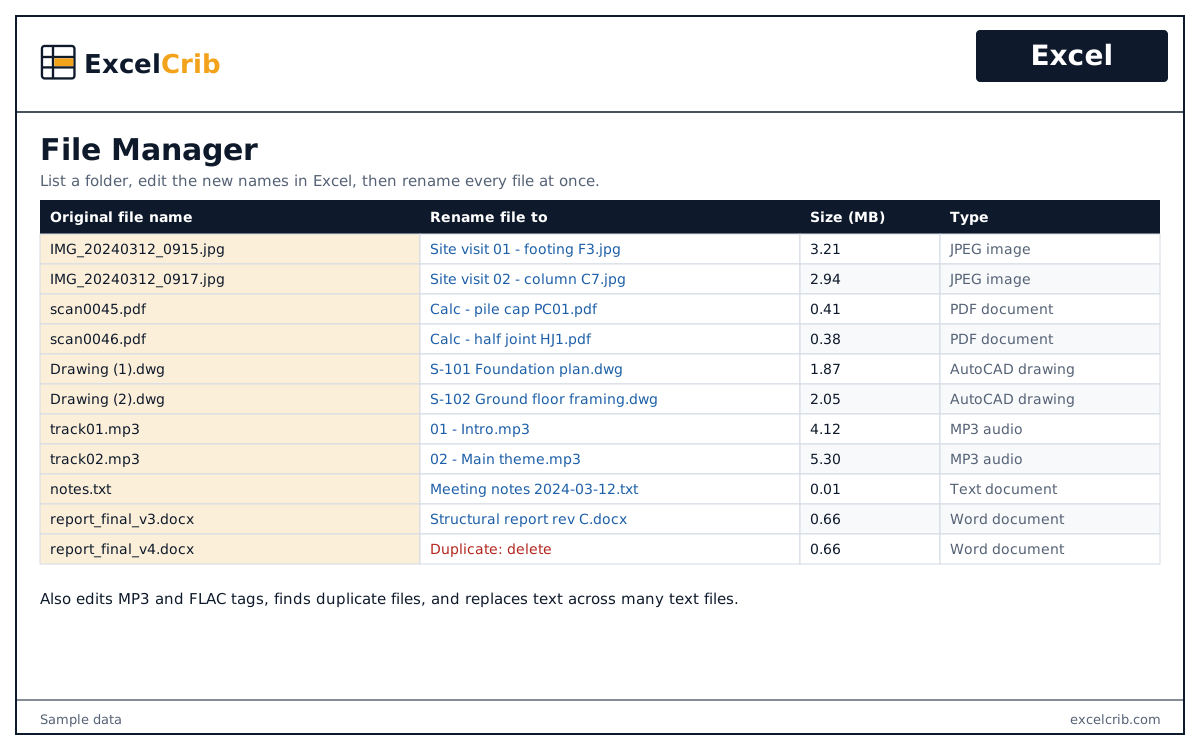
File Manager
Lists your files in Excel, renames them in batch, finds duplicates, edits MP3 and FLAC tags, and replaces text across many files.
$29
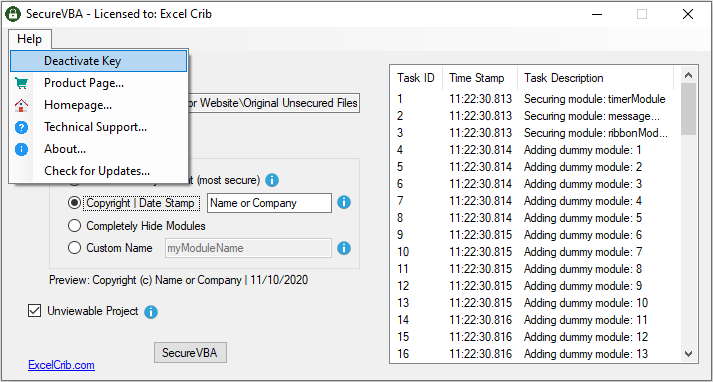
A Windows app that hides VBA modules and makes the VBA project unviewable in Excel and Word files.
Lifetime license with free updates and upgrades. The key is transferable and delivered instantly. Licensing FAQ
A VBA password on its own is easy to break. SecureVBA hides your modules and makes the project unviewable. In the most secure binary mode it also adds up to 80 dummy modules.
It works with xls, xlsm, xlam, xltm, xlsb, xlt, doc, docm, dot and dotm files. Code that edits its own modules, for example with VBComponents.Remove, cannot be protected. Please download the sample files and test your workbook before you buy.
Questions before you buy, or trouble installing? Contact support.
Lists your files in Excel, renames them in batch, finds duplicates, edits MP3 and FLAC tags, and replaces text across many files.
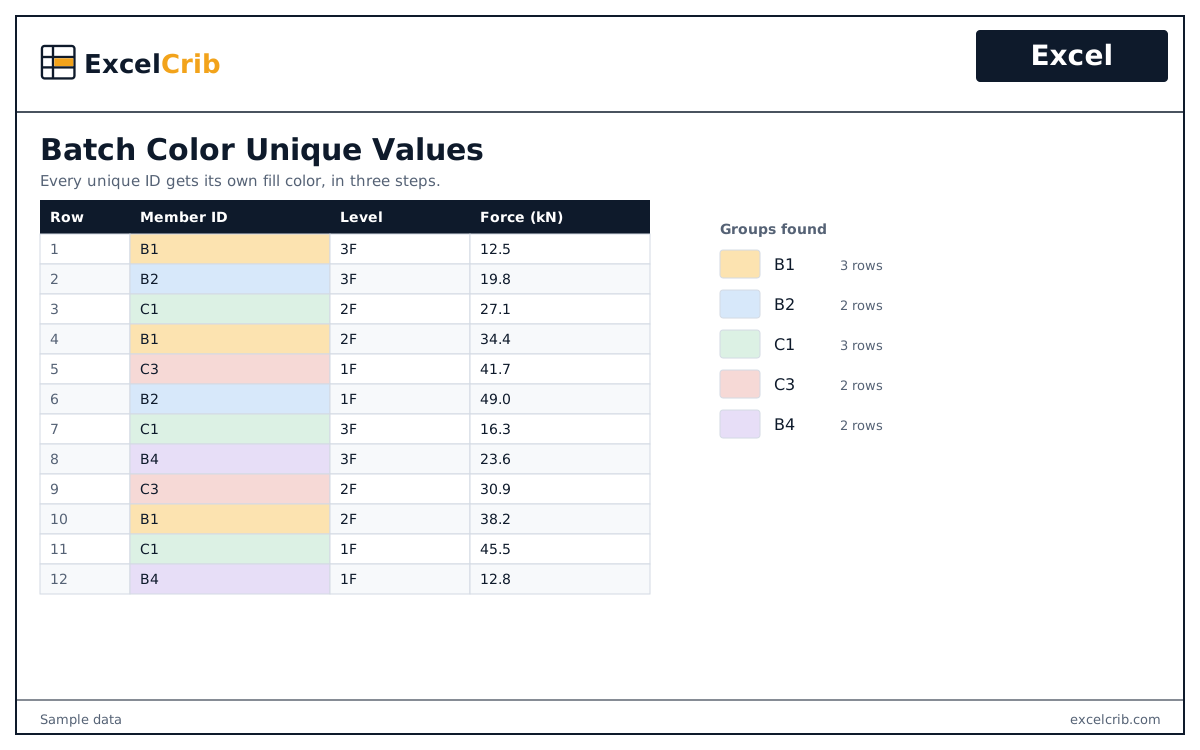
Groups the unique values in a range and gives each group its own color, in three steps.
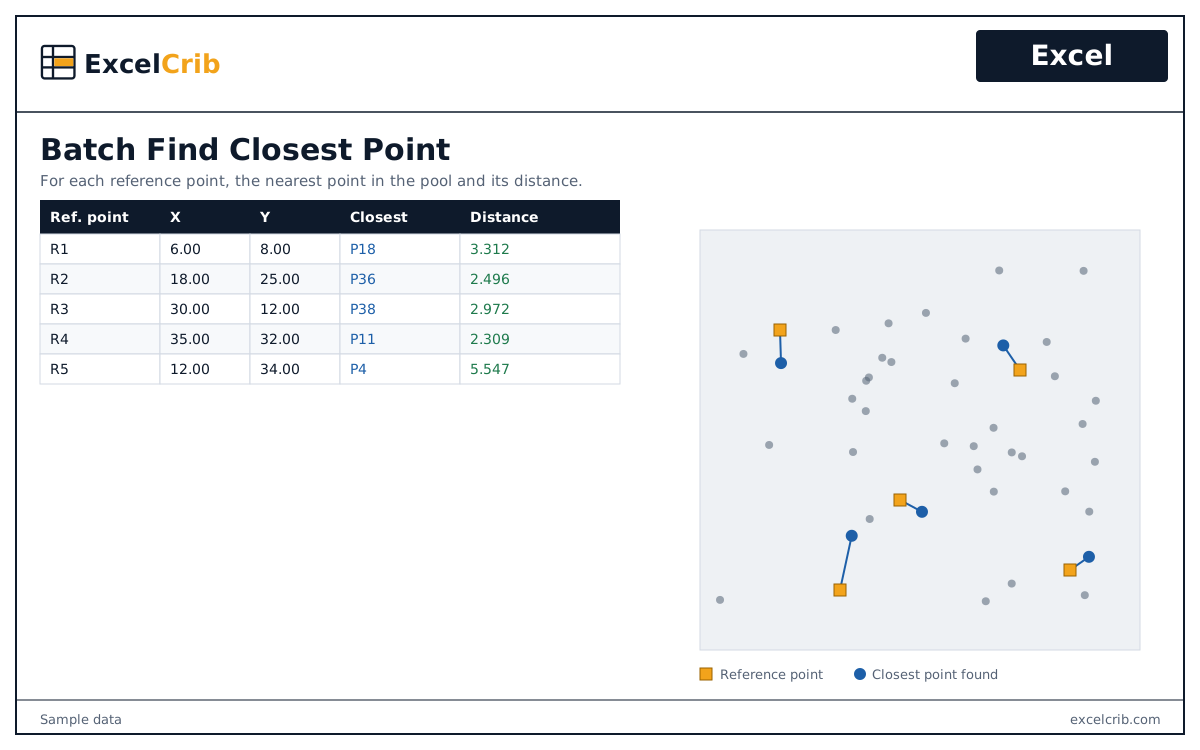
For each reference point, finds the nearest point in a list and calculates the distance to it.